THE LAB
I am often asked what tools I use to create my AI art and videos. Here is a living list of the software and hardware that powers the lab
IMAGE
MIDJOURNEY
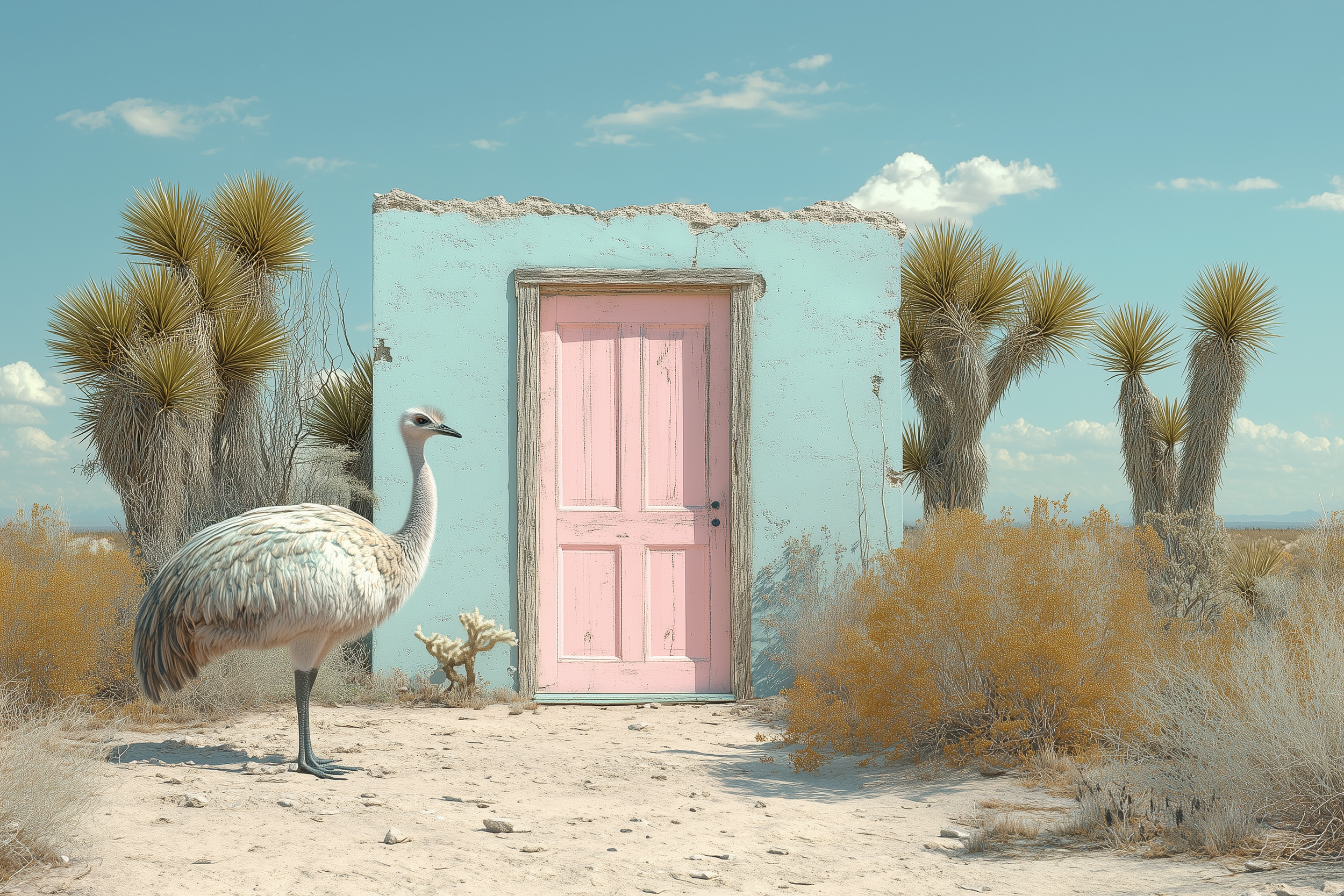
In Midjourney you can set up a “style” to create a consistent look. This is similar to having a preset for Photography or a LUT for video
Site: https://www.midjourney.com
I recommend using Midjourney on Discord
LUMA AI
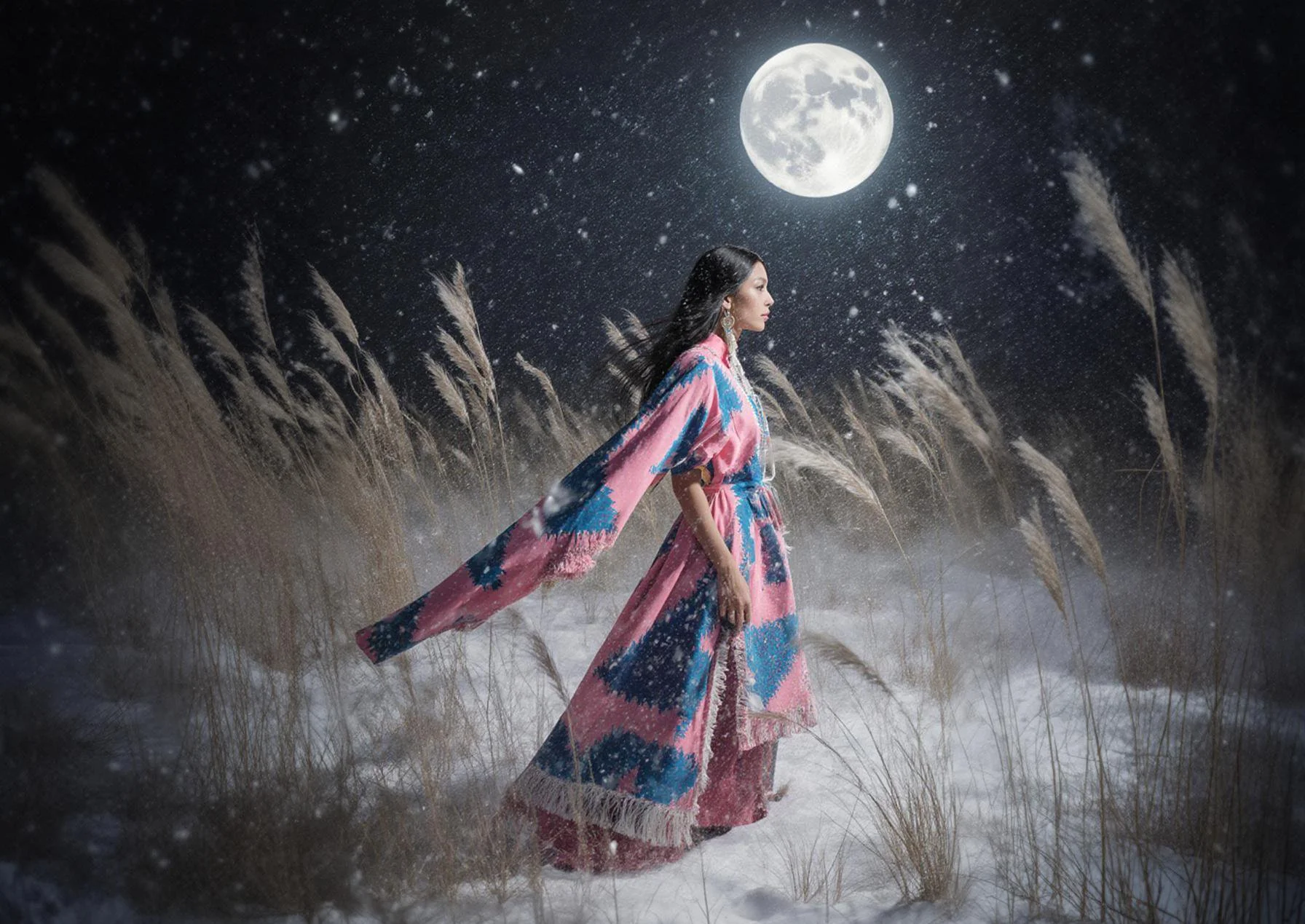
The Brainstorm feature in Luma AI will take any idea you have to whole new level. A sub to Luma AI is worth it for that feature alone. Also Luma is an LLM so you communicate with Iro (the name of the LLM) like you would with Gemini or Chat GPT
Site: https://lumalabs.ai
GOOGLE IMAGE FX ( NANO BANANA )
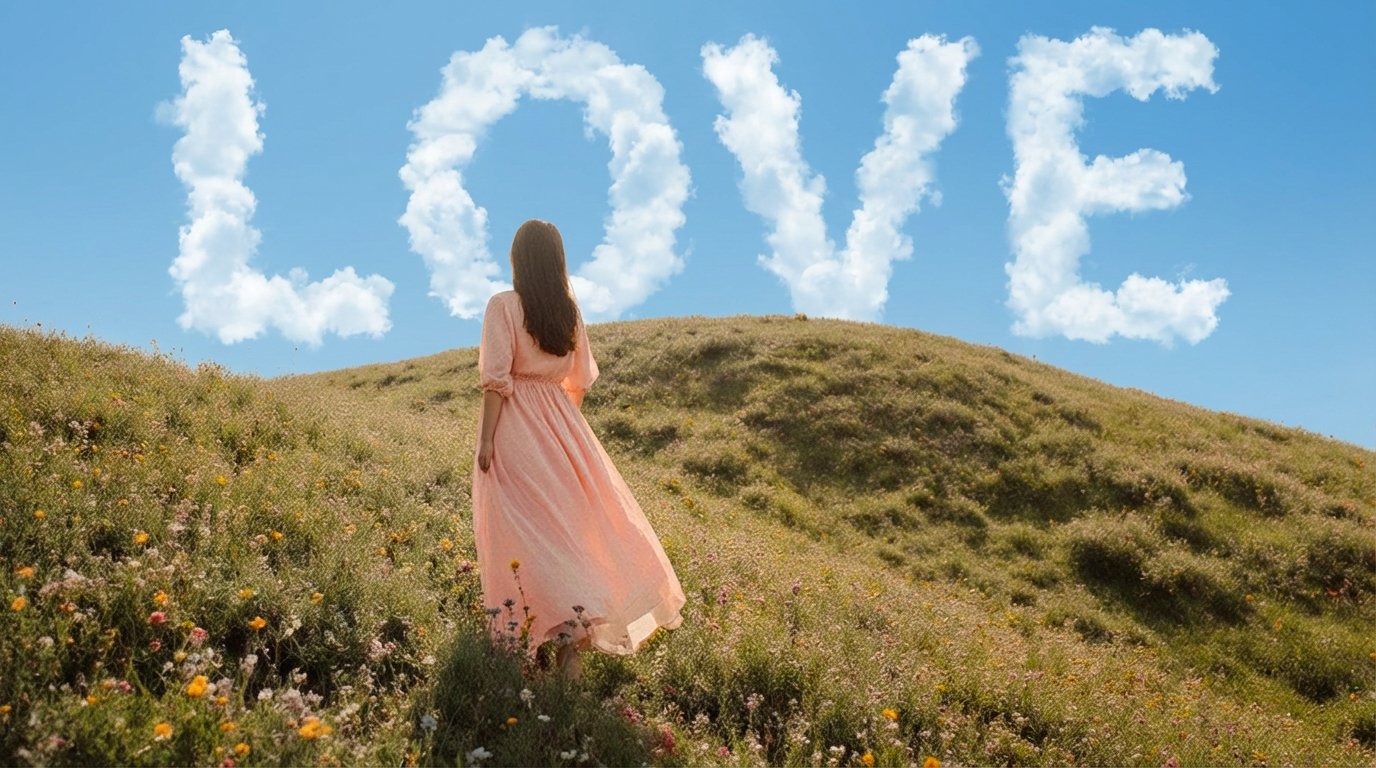
Nano Banana is amazing for embedding text into an image in an incredibly creative and artistic way. Also try adding various textures and graphics in Nano Banana
Site: https://labs.google/flow
VIDEO
LUMA DREAM MACHINE
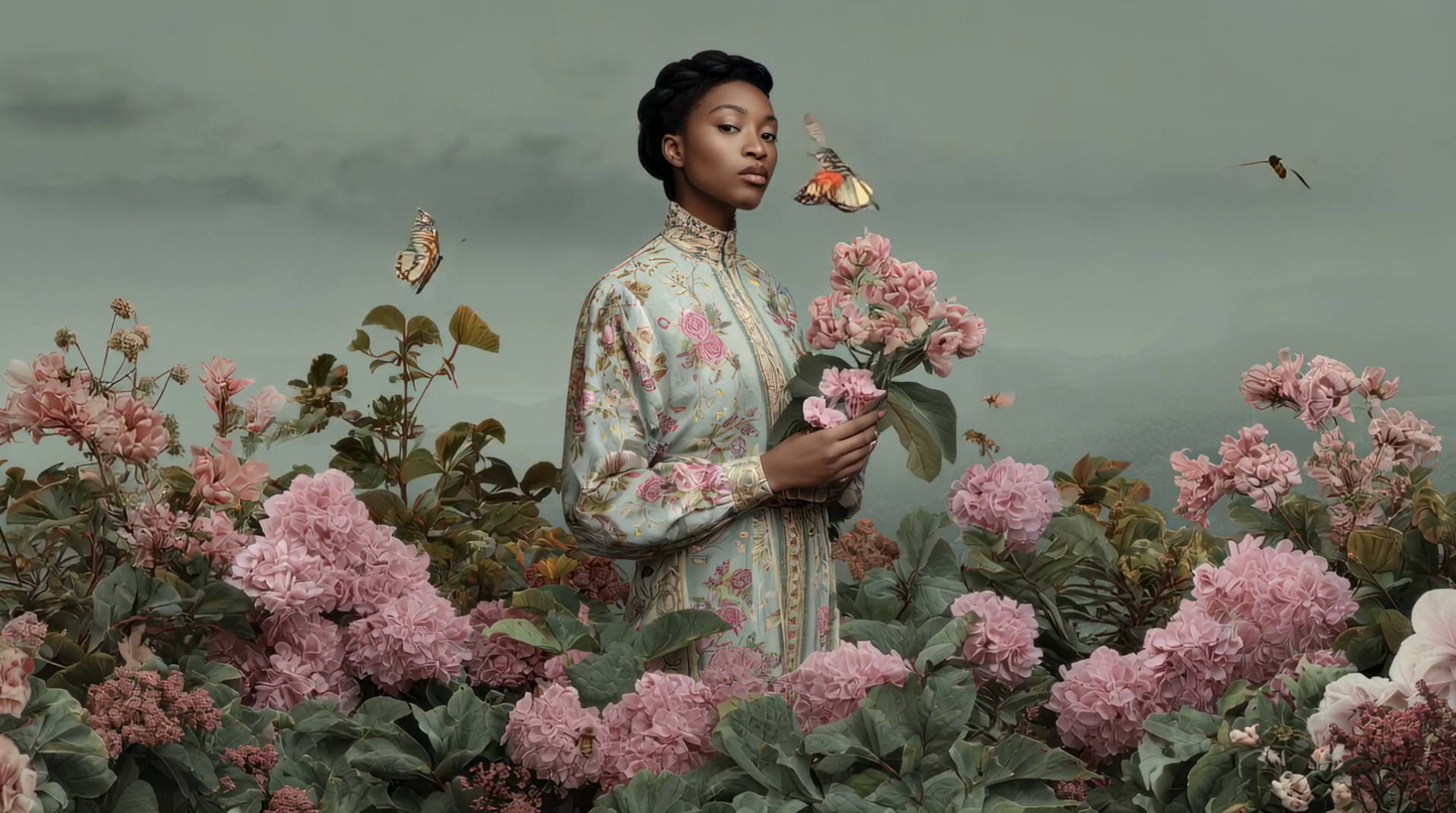
Luma Ray 3 creates transitions that are unique and different from any other AI video animations. Luma Ray 3 also has a modify feature that allows you to modify the scenes of a video
Site: https://lumalabs.ai/ray

KLING AI
Kling is my number 1 pick for seamless continuous camera throughout an entire video using frame chaining with start and end frames
Site: https://klingai.com
Get 50% credits (up to 5000 credits) with my referral code:
7BWZ7LJKBTRW
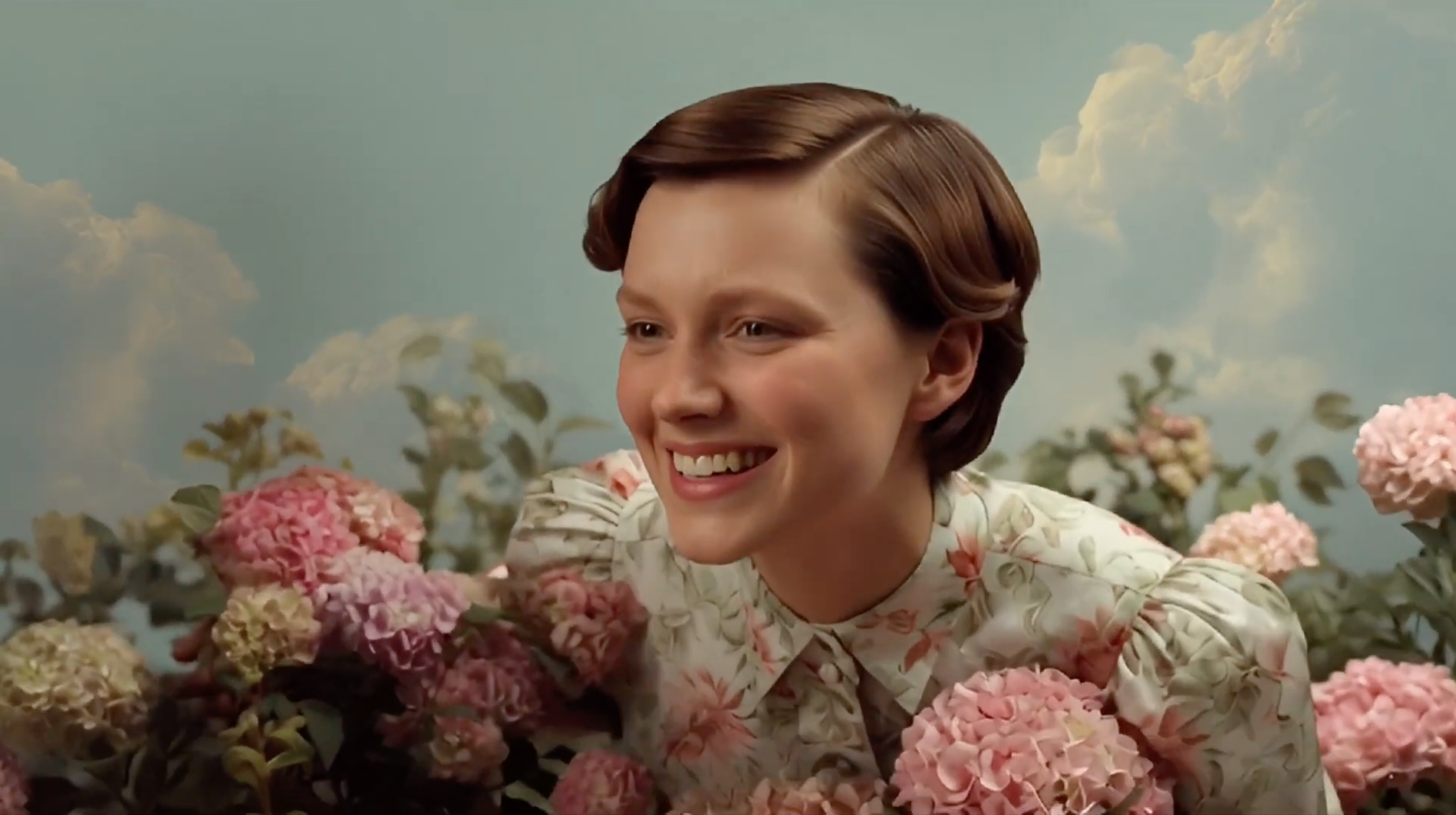
GROK IMAGINE
Grok has a “fun” mode that is unique from other AI video generators and the results are surprisingly … well ... FUN
Site: https://grokimagine.ai
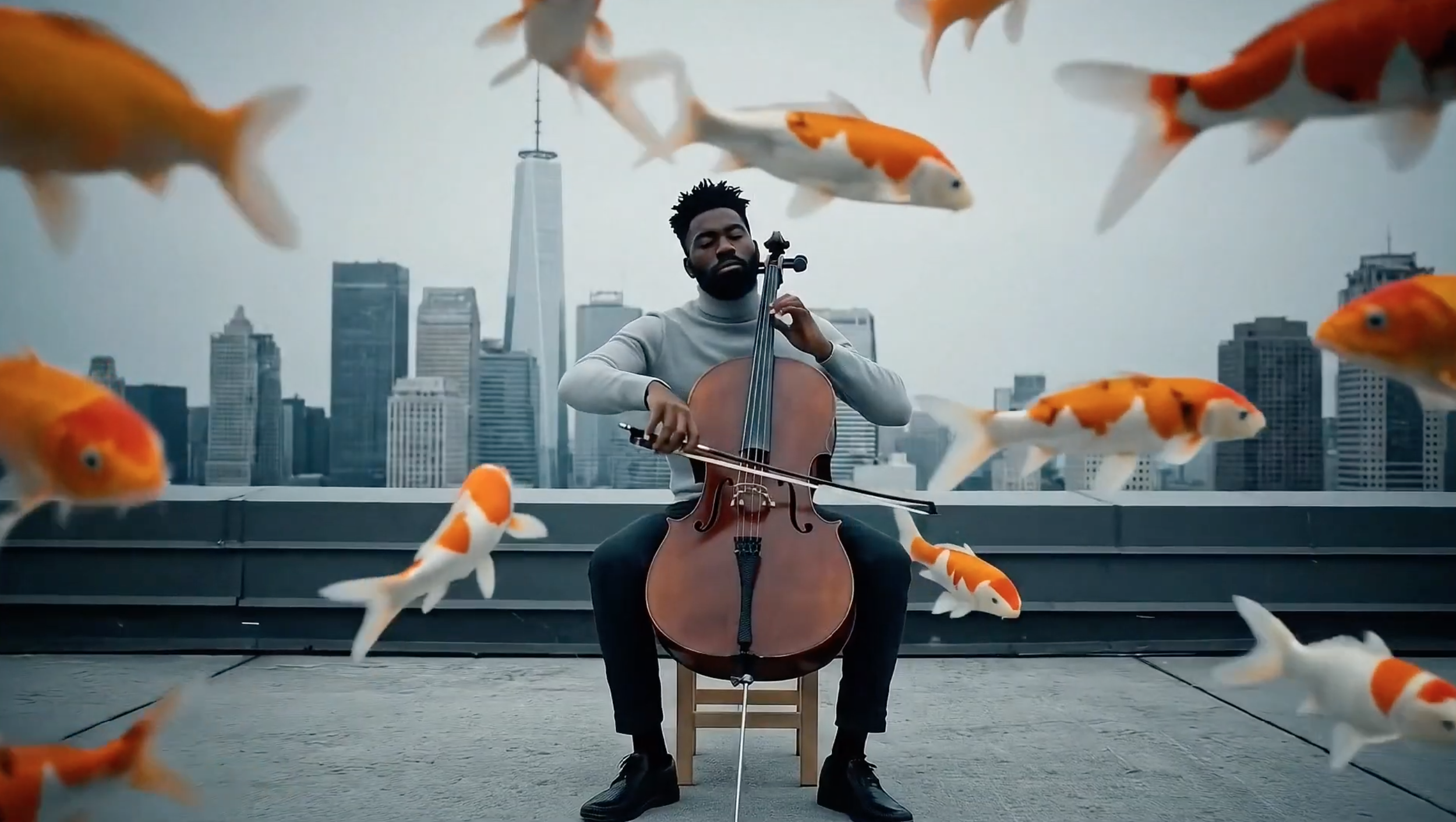
VEO 3.1
Google’s Veo 3.1 has incredible prompt adherence, and includes audio with character vioces and background sound effects
Site: https://labs.google/flow
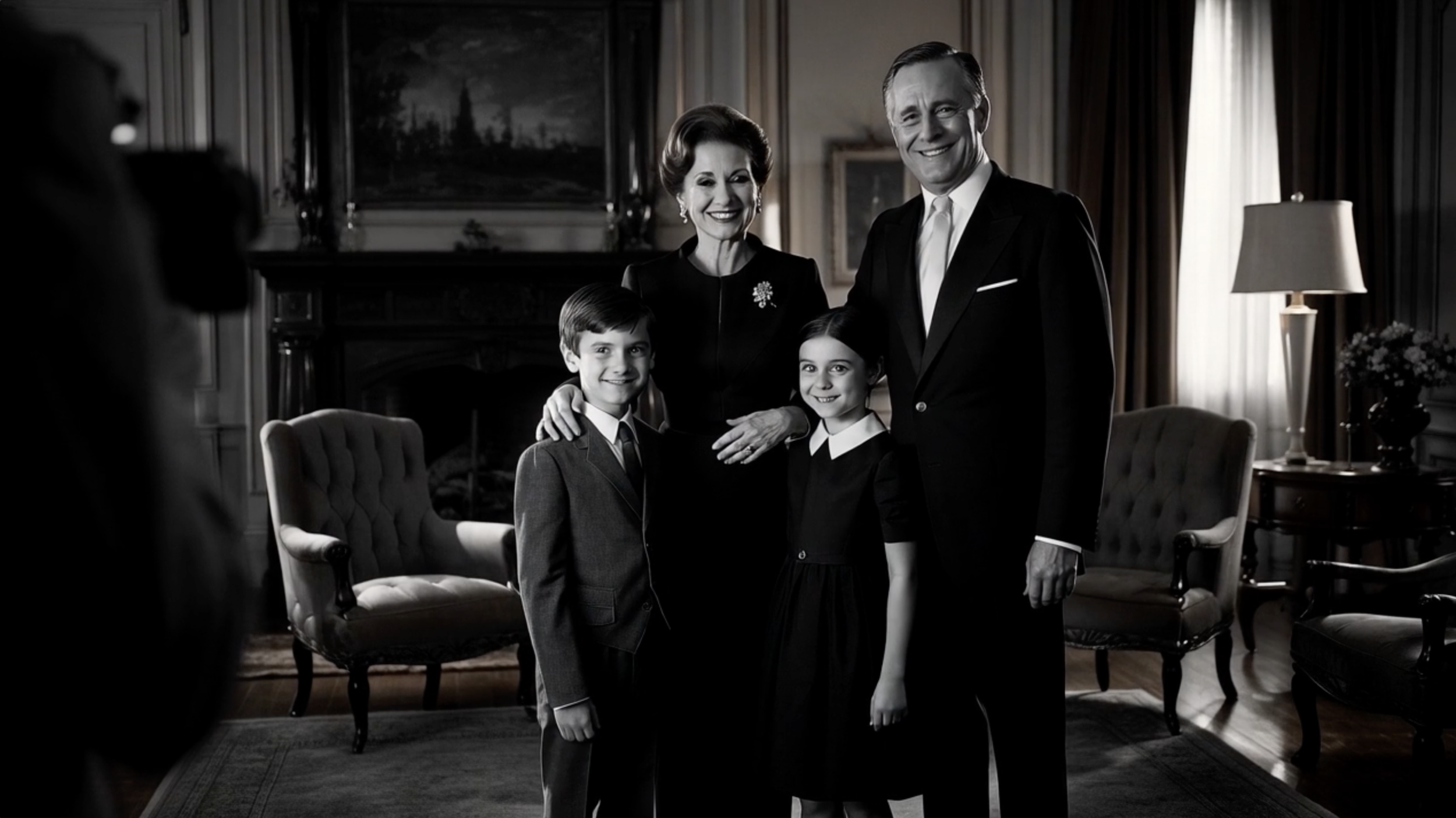
RUNWAY ML
Runway ML has is great with text to video in their new 4.5 version and has some preset options like the image above which is a film noir portrait preset to get you started with ideas. Runway also has Act Two which allows you to character swap in videos.
Site: https://runwayml.com
UPSCALE + VIDEO EDITING + AUDIO
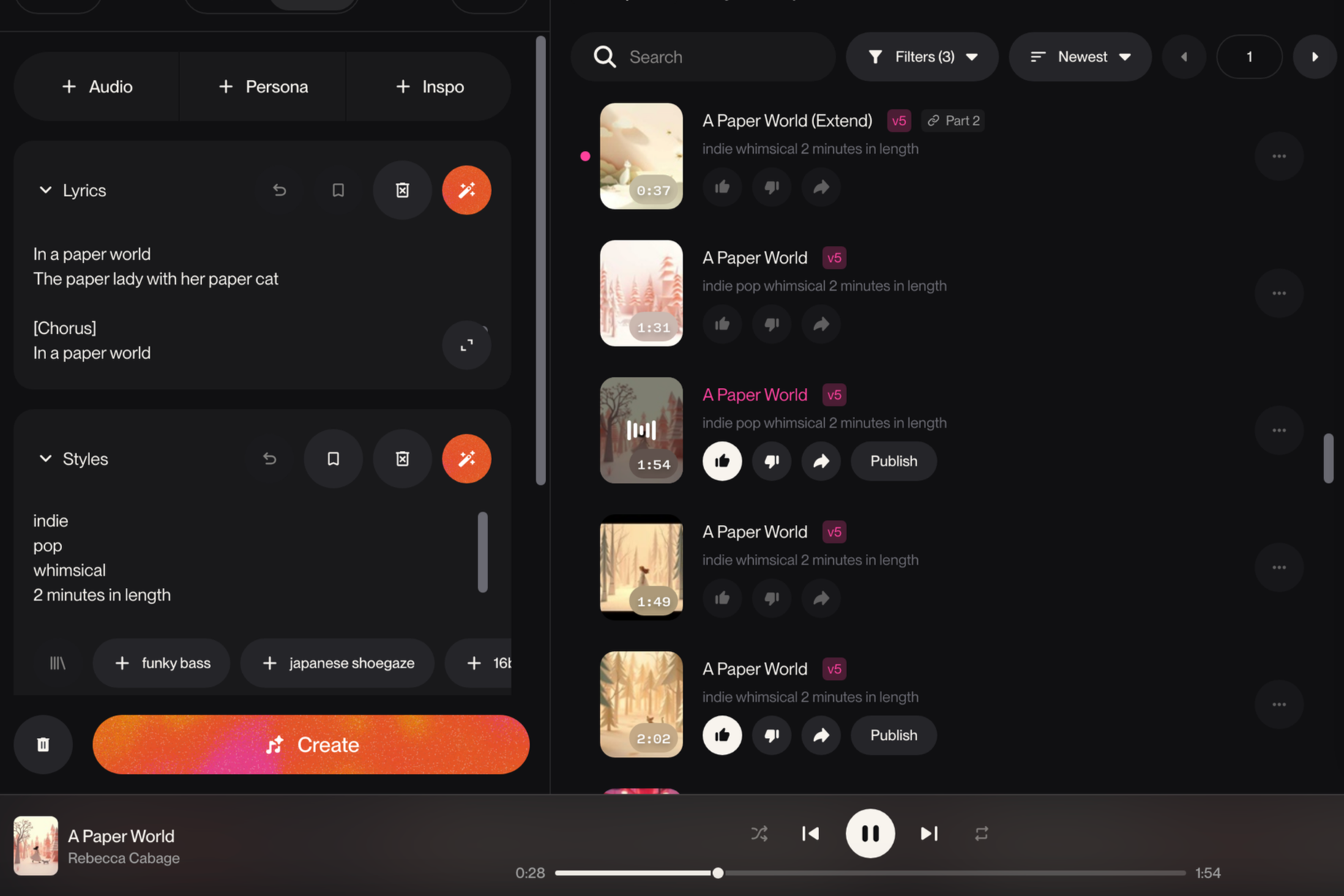
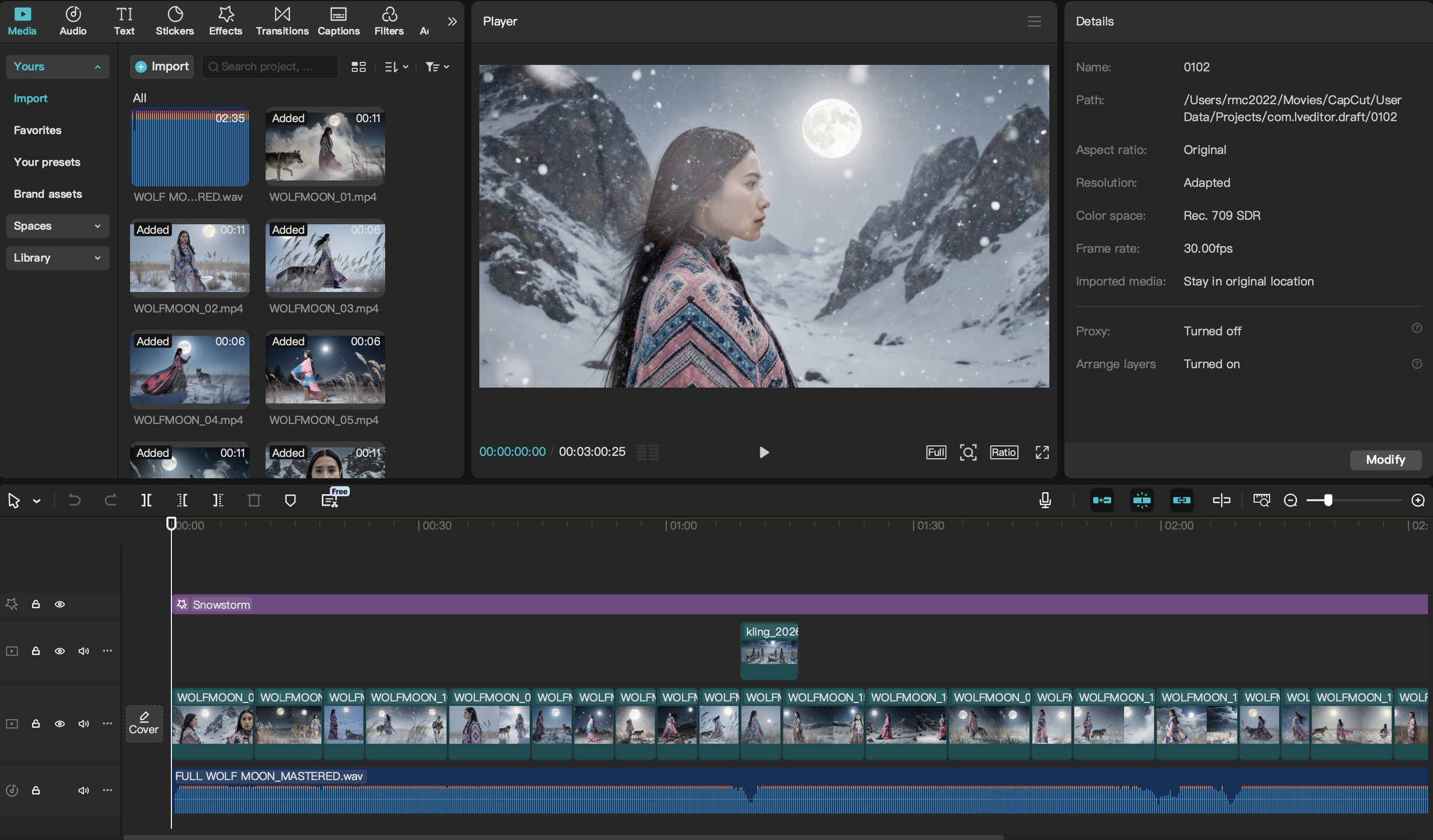
CAPCUT
Capcut is my go-to for creating AI videos. It is so easy to use and has lots of AI options for effects. Capcut can be used on mobile and desktop, I use Capcut Pro on my desktop.
Site: Capcut Pro
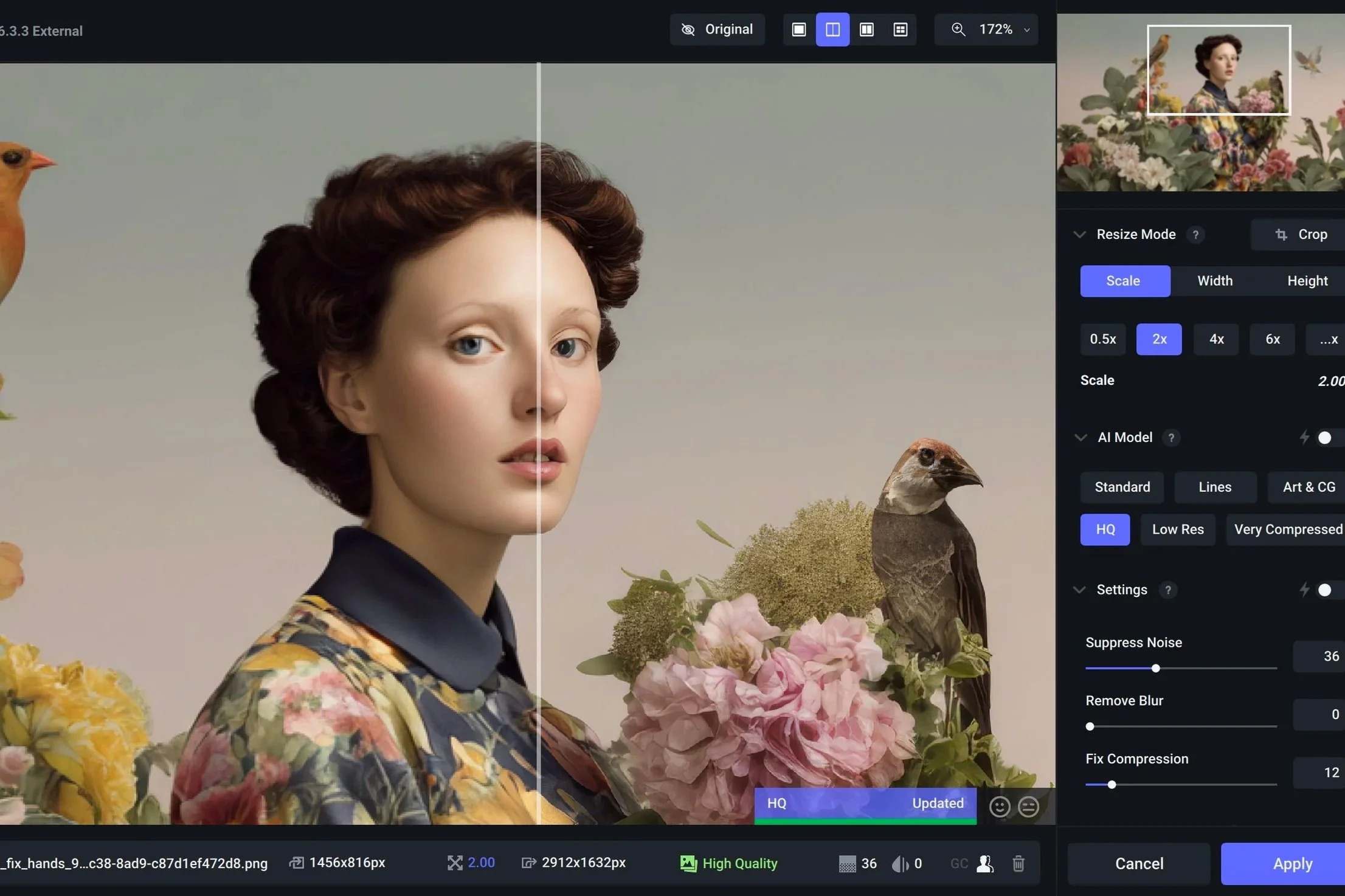
TOPAZ LABS
Topaz is hands down the best upscaler for both images and video. I use it for both images and video on most projects. For example, you can upscale the image in Midjourney, but the output in Topaz gigapixel is far, far superior. Same with Video, you can take a 1080p video and upscale it with Topaz to 4k, you can stabilize a jittery video, add sharpness and so much more.
Thank You for your Support
Some links in The Lab are affiliate links. This means if you buy something I recommend, I may get a small commission. This supports the independent exploration and art on this site at no extra cost to you